Archived Manuals and API References
These documents cover earlier OpenGarage firmware versions. Version 1.2.4 has online documentation; older versions are provided as PDFs. For newer documentation, use the site navigation.
Firmware 1.2.4
Firmware 1.2.3
Firmware 1.2.0
Firmware 1.1.2
Firmware 1.1.0
Firmware 1.0.7
Other Docs
Blynk Legacy App
Info
The instructions below apply only to the Blynk legacy app and will NOT work with the new Blynk IoT app.
The Blynk legacy app is discontinued and no longer available in the official app stores. On Android phones, you may still find the legacy .apk from third-party websites and install it manually. To use it:
-
Follow the Blynk (Legacy) App Support Article to request a Blynk account on the
openthings.iocloud server. -
Launch the app, sign in with your account credentials, tap the QR code icon, and scan the appropriate QR code below. This creates a project in the app, and the Blynk token will be emailed to you (you can copy the token manually from the Project Settings in the app).
v1.3
- Requires firmware
1.2.4or newer - Door status LED uses distinct colors for each state
- Added light and lock toggles
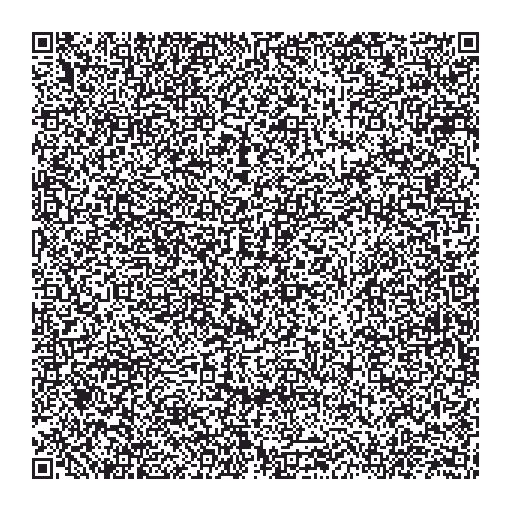
| Virtual pin | Used for |
|---|---|
V0 |
Door status (binary) |
V1 |
Trigger door action |
V2 |
Door status (complete: including stopped, opening, closing) |
V3 |
Distance value |
V4 |
Car status |
V6 |
Temperature (if temperature sensor is enabled) |
V7 |
Humidity (if humidity sensor is enabled) |
V8 |
Toggle light |
V9 |
Toggle remote lock |
v1.2
- Requires firmware
1.1.2or newer - Added temperature and humidity history (if the sensors are enabled)

v1.1
- Requires firmware
1.0.9or newer - Added Car Status LED

v1.0
- The original version